Lambda Tables
The Lambda Target Tables enable the user to define the Lambda target through the operation of the engine.
This needs to be determined before the VE table is manipulated.
Normally Lambda Target Table 1 is used. Setting of table use is via Fuel Table Control
Lambda Table 1
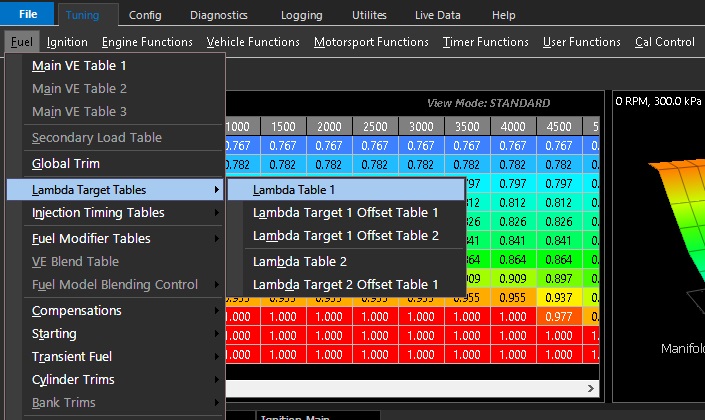
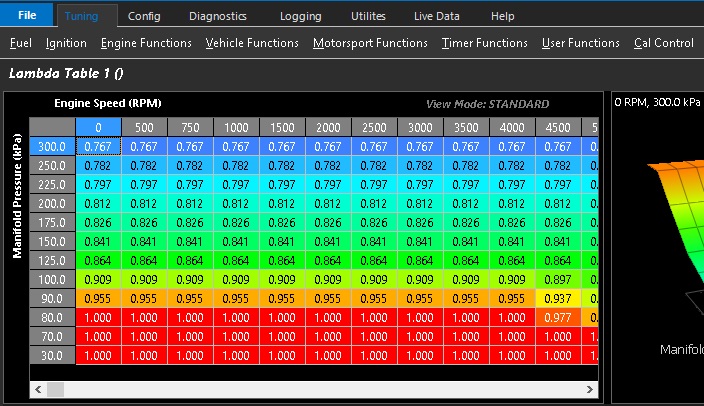
Lambda Table 1 is a primary setting in the ECU’s airflow & fuel model.
The values entered here need to be determined before manipulating the VE table
The values are displayed in Lambda by default as Lambda is a valid reference for all fuel types including blends.
Should an actual Air Fuel Ratio be required to be displayed, this can be achieved by right mouse click on table
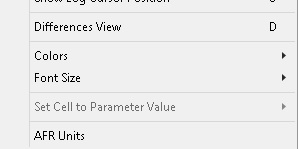
Available at the bottom of the list
Once activated, if the fuel model is set to a single fuel type, the Lambda Table 1 will be displayed in regular AFR units.
This feature will not work with flex or dual fuel models - see Stoich Ratio Setup
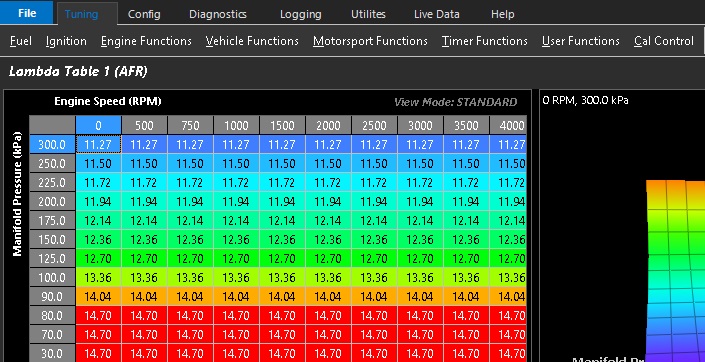
Example 1: Gasoline fuel AFR shown
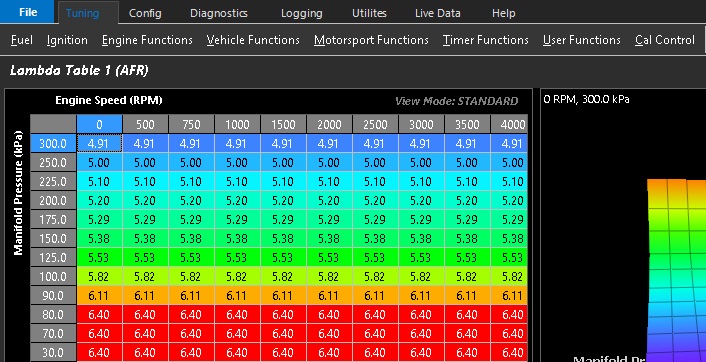
Example 2: Methanol fuel AFR shown
Lambda Table 2
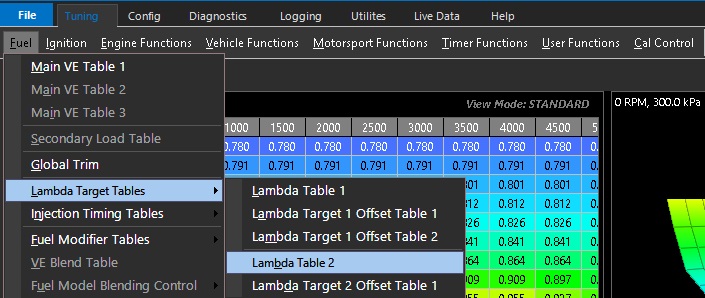
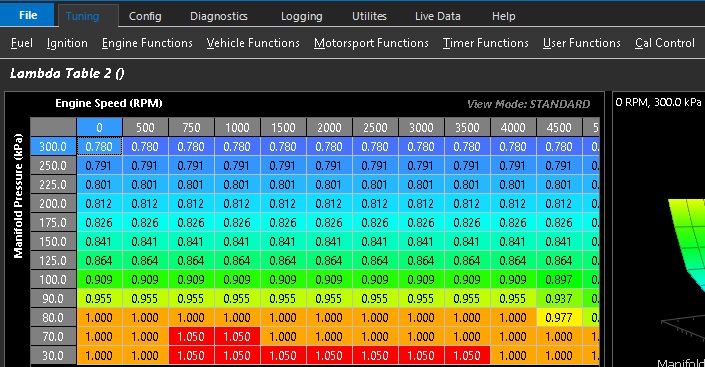
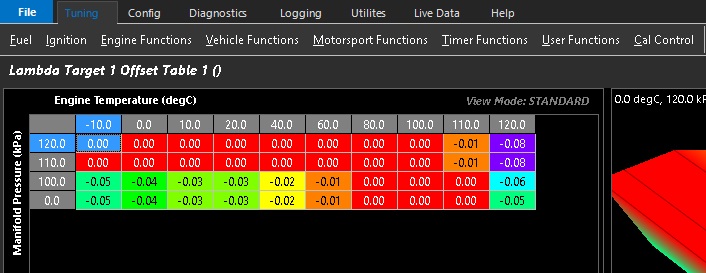
Lambda Target Offset Table 1
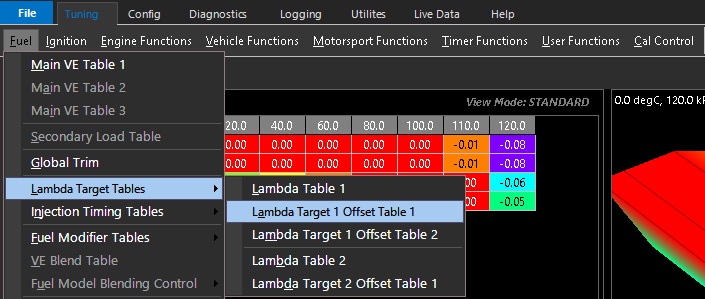
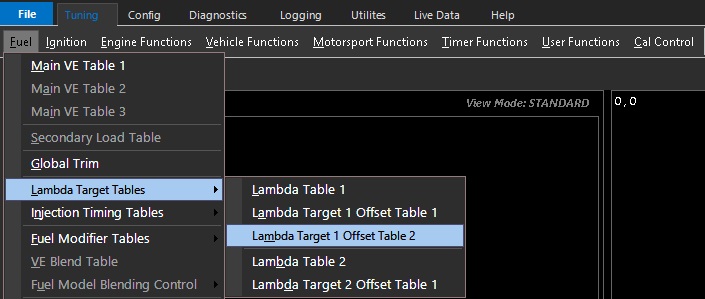
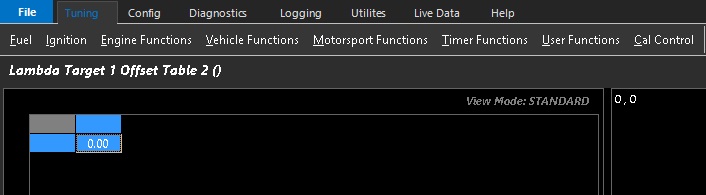
Lambda Target Offset Table 2
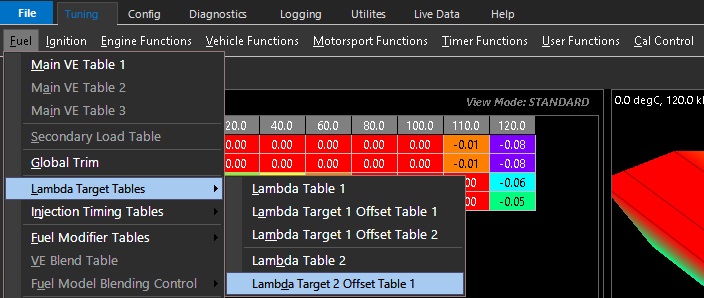
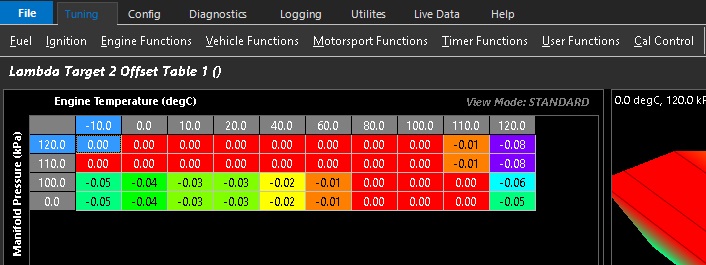
Lambda Target 2 Offset Table 1
Lambda Target Z-Axis Setup
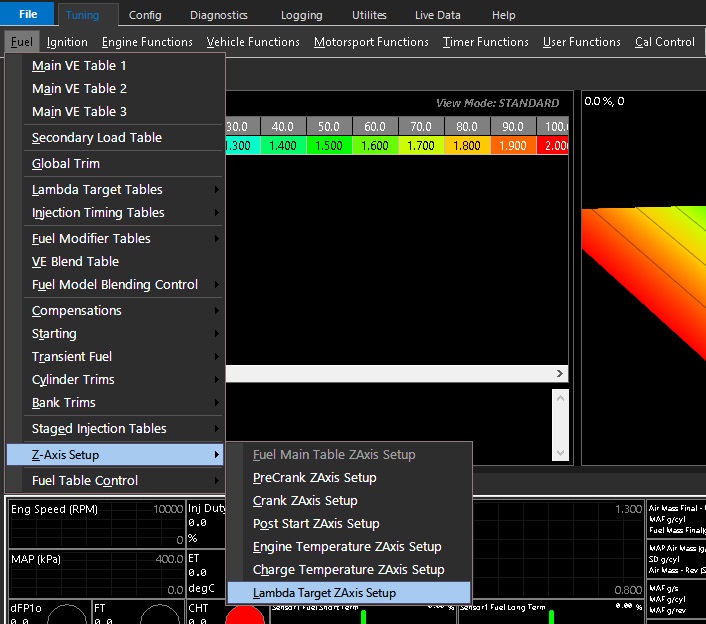
The Z-Axis activates a user definable X-Axis to swap or blend between Lambda Target tables based on the selected runtime
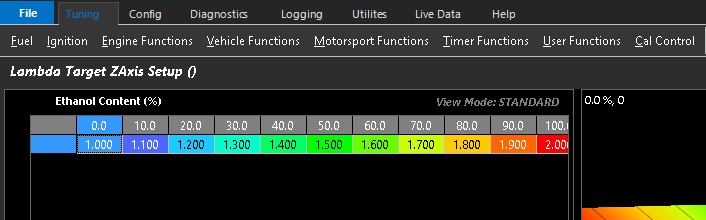
Lambda Target ZAxis spanned across ethanol content example shown above