Script Management
The TCM hosts a powerful in-house developed scripting language called EmC. This allows users to write their own functionality to do almost anything from advanced CAN integrations to special control functions for transmission or vehicle systems.
Info
EmC requires a Developer License and must be activated using the Build Manager on each device.
EmC
EmC is a statically-typed, heap-less, C-style scripting language for 32-bit embedded systems.
Source files (.emc) compile to a compact bytecode binary (.emcbin) that runs on a stack-based virtual machine inside the host device.
Intellectual Property
EmC is compiled before it reaches the hardware, so developers can distribute their own proprietary compiled code without the user having or requiring access to the source code.
Once an EmC binary is uploaded to the device, it cannot read back and exported for redistribution without the original file.
Because EmC is statically typed, a lot of error checking is done at compile time, reducing the chance of runtime errors or undefined behavior.
See EmC language documentation for more detail.
- Up to 8 compiled scripts can live in the TCM at once.
- All scripts total 1MB of compiled binary size.
- Scripts can be assigned up to 32KB of stack memory each.
- Each script runs on it’s own thread.
- Scripts can interact with each other by reading and writing Runtime channels.
Activation
Dealers with a current EmC Developer License can purchase and activate the EmC Application Build on a device.
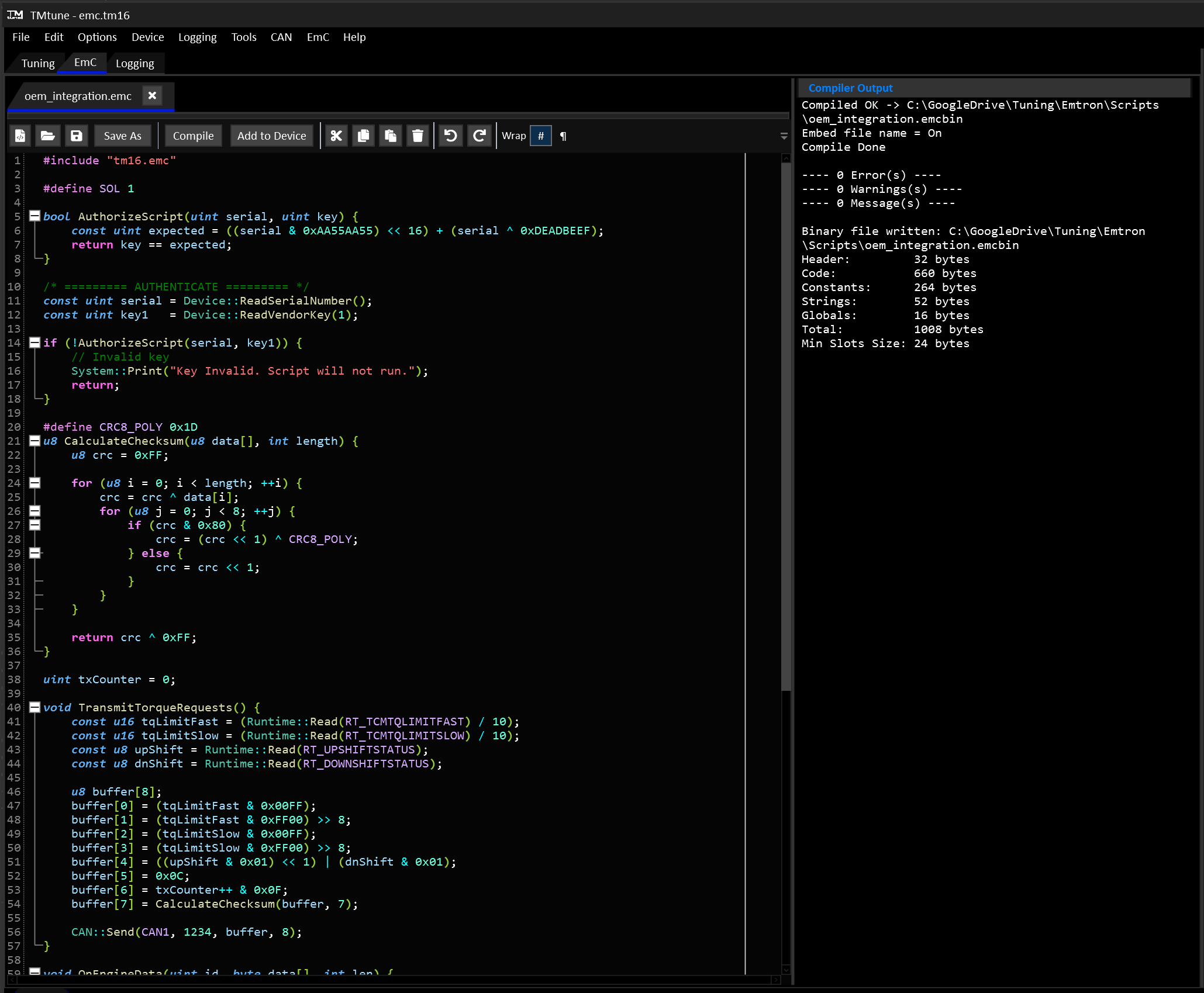
Once EmC has been enabled for your device’s serial number, use the Build Manager to activate it.
EmC IDE
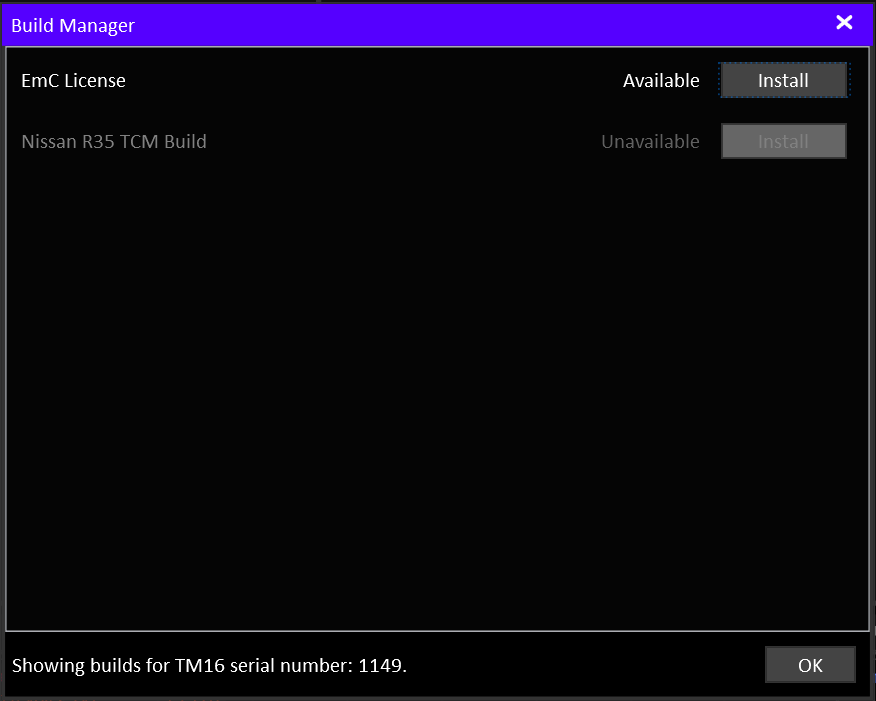
The EmC development environment is accessed via the “EmC” tab when a cal file is open or a TCM is online. The environment can be opened without a device or cal file from the EmC menu.

Compiling
Press Compile on the toolbar to compile the script (along with any emc files it includes). The compiler result is shown on the RHS.
On a successful compilation, the script to be added to the device script management list by clicking Add to Device.
Errors shown in the compiler output will also he highlighted in red in the editor panel. Warnings shown in the compiler output will also he highlighted in yellow in the editor panel.
Device Script Management
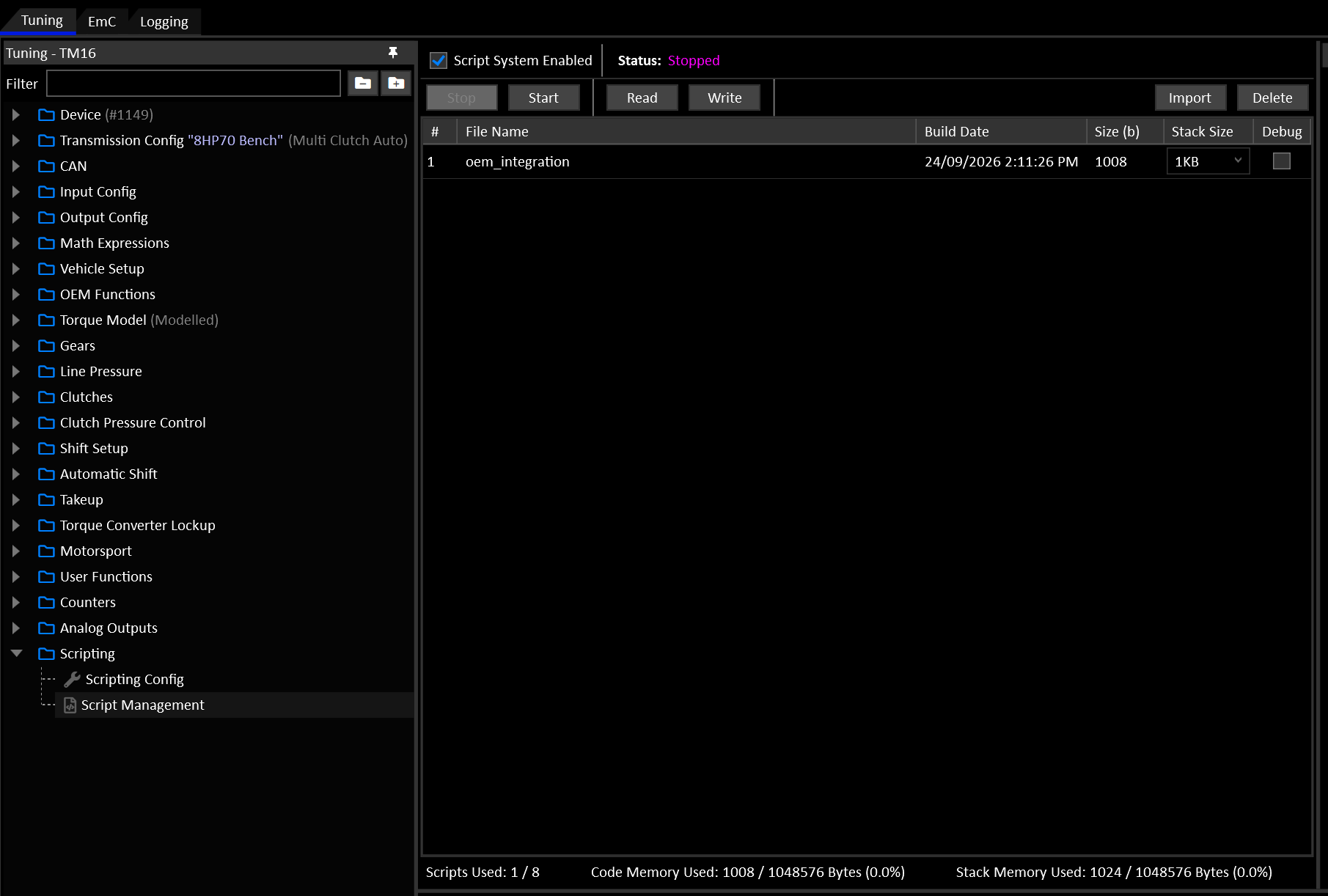
The Script Management view shows the scripts either in the device or staged for upload.
Info
In order to upload changes to the script memory, the script system must be stopped.
Stophalts the script system, ready to upload changes.Startstarts a halted system and starts all scripts running.ReadReads the script memory from the device.Writesends the current script memory and configuration to the device and starts the system.Importimports a compiled EmC binary file (.emcbin). This can be used to import compiled 3rd party scripts without the source files.Deleteremoves the selected script file from the list.
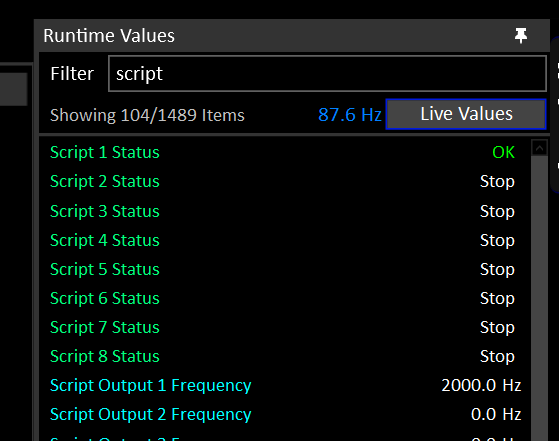
Each Script has it’s own status runtime. A successfully running script’s status will show “OK”.